

Traveling can be both exhilarating and expensive, but with the right tools and strategies, you can dramatically reduce flight costs while unlocking hidden opportunities most travelers miss out on. Google Flights, a powerful flight search engine, offers features and tricks that, when used effectively, can help you find cheaper fares, add bonus destinations to your trip, and even score unexpected stopovers. While many travelers stick to basic searches, this article dives into advanced Google Flights hacks to transform the way you plan your trips.
Whether you’re a family planning a getaway, a busy professional managing a tight schedule, or a cost-conscious globetrotter looking for flexibility, these tips will empower you to stretch your budget further and make your travels hassle-free.
Why Google Flights Is the Ultimate Tool for Travel Planning
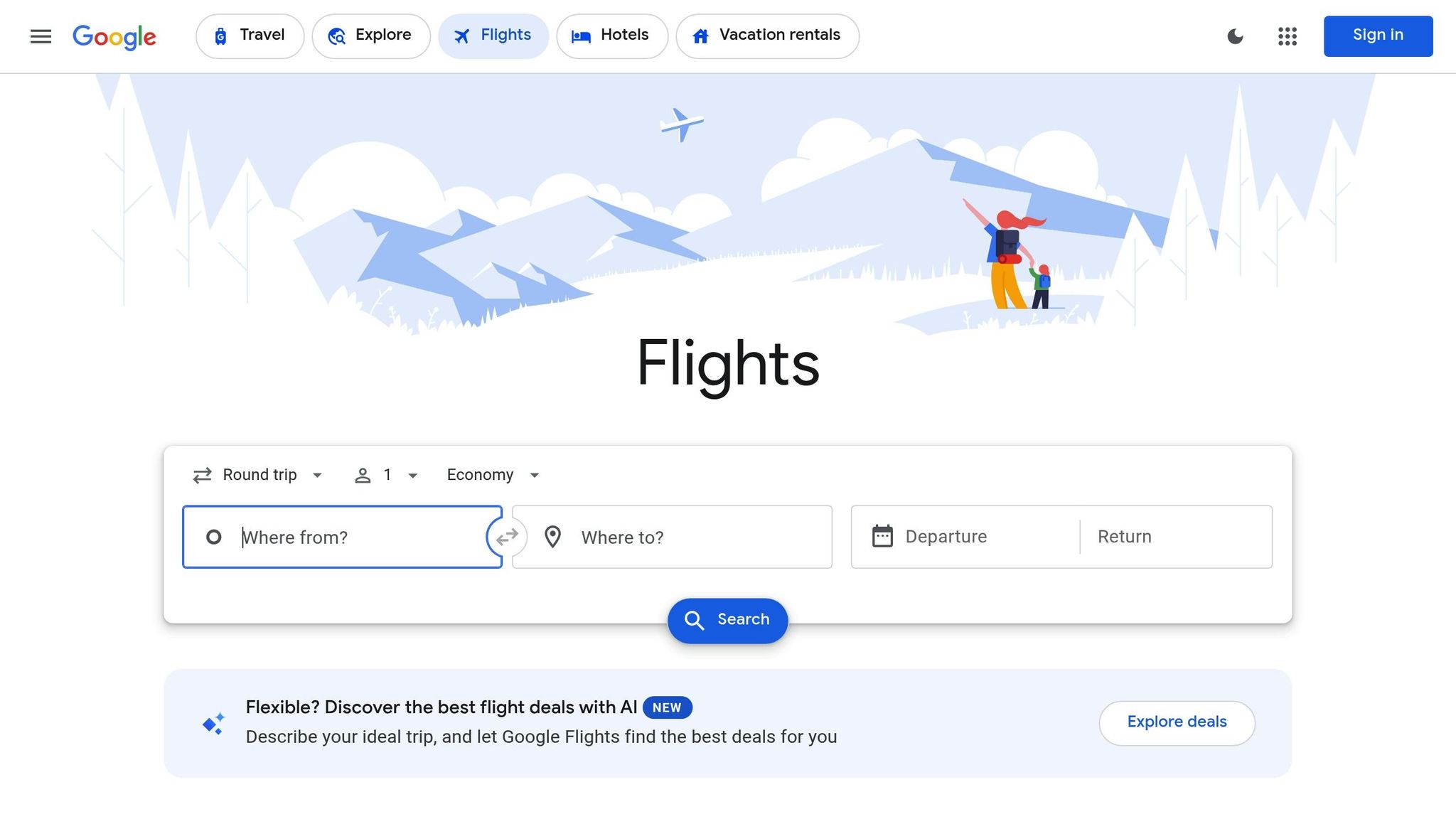
Google Flights is more than just a booking tool – it’s a treasure trove of features designed to help travelers find the best deals, streamline their plans, and customize their trips. However, its full potential often goes untapped. By learning how to leverage its lesser-known tools, you can discover alternative routes, compare airlines for better policies, and even explore destinations you may not have considered.
The hacks revealed below go beyond basic flight searches and explain how to use multi-city itineraries, airline filters, fare alerts, and other hidden tricks to save both money and time.
Hack #1: Use Multi-City Searches for Cheaper Fares and Bonus Destinations
When booking flights, most people choose either one-way or round-trip options. However, the multi-city search function on Google Flights is a game-changer for unlocking cheaper fares and adding extra destinations to your trip. Instead of viewing multi-city as a way to create complex itineraries, think of it as a tool to combine flights creatively.
Example of Savings:
Imagine flying from Phoenix, Arizona, to London, England. A one-way ticket may cost $678, while a round-trip ticket could be $516. However, by using multi-city searches strategically, you might find a way to reduce costs even further by tweaking your return destination. For instance, returning from Helsinki rather than London could bring the total cost down to $422.
Pro Tip: If you’re willing to book a separate low-cost flight between two nearby cities (e.g., London to Helsinki for $34), you can experience two destinations for less than the price of one.
Hack #2: Know Your Airline Alliances and Policies
When booking flights, it’s essential to understand how airline alliances (such as Star Alliance, SkyTeam, and OneWorld) work. Google Flights allows you to filter results by alliance, but here’s why it matters:
- Change and Cancellation Rules: Policies vary based on the airline selling the ticket, even if a different airline operates the flight. For example, a Lufthansa flight ticketed under United Airlines’ code follows United’s more flexible policies.
- Loyalty Program Benefits: Booking through a specific airline ensures your spending counts toward its loyalty program, which isn’t always the case if you book through a partner airline.
- Price Variations: The same seat on the same plane can often cost less when booked under a different airline code. Always compare codeshare options for the best deal.
Pro Tip: Use the airline filter in Google Flights to refine searches and ensure you’re booking under favorable terms.
Hack #3: Unlock the Power of Google Explore
The Google Explore map is a fantastic tool for browsing deals across multiple destinations. It allows you to see the cheapest flights to regions like Europe or Asia over a six-month period. However, this tool has limitations, such as the inability to filter by specific airlines.
Workaround:
Start your search in Google Flights by selecting a preferred airline (e.g., United), then replace the destination with a broader region (e.g., Europe). This filters results within Google Explore based on your airline preference, unlocking deals tailored to your needs.
Pro Tip: Experiment with broad searches like “Anywhere” to generate inspiration for affordable trips you might not have considered.
Hack #4: Use Currency Comparisons to Find Hidden Savings
Airfares can vary depending on the currency or location from which you’re booking. Google Flights now simplifies this process by showing price differences based on country settings. For instance, a flight from New York to Toronto might cost $102 on United’s U.S. site but $114 on its Canadian counterpart. Switching currencies can save you money, but remember to use a credit card with no foreign transaction fees to avoid negating the savings.
Hack #5: Combine Calendar View with Date Grid for Maximum Flexibility
Google Flights’ calendar view helps identify the cheapest departure dates, but when paired with the date grid, it becomes even more powerful. The date grid shows how small changes in trip length affect prices, potentially saving hundreds of dollars.
Pro Tip: Use these tools early in your search to get a clearer picture of price trends and ensure you’re booking at the optimal time.
Hack #6: Set Price Alerts and Track Trends
Google Flights allows you to set price alerts for specific flights or routes. What many don’t realize is that tracking a route – rather than a specific flight – can reveal price drops on alternative options you may not have considered.
Bonus Tip: Check the pricing history of tracked flights directly in Google Flights to identify patterns and predict future drops.
Hack #7: Use Multi-City Searches to Force Stopovers
A stopover (lasting over 24 hours) or a layover (under 24 hours) can sometimes dramatically reduce ticket prices. For example, a one-way flight from Tokyo to Dallas may cost $591, but adding a leg from Dallas to Los Angeles as part of a multi-city itinerary can reduce the total to $351.
Pro Tip: If you genuinely want to visit the stopover city, book the flight with a gap of 24+ hours between connections to create a stopover and explore the destination without additional booking costs.
Key Takeaways
- Leverage Multi-City Searches: Combine flights creatively to unlock cheaper fares or build bonus destinations into your trip.
- Understand Airline Alliances: Filter by alliances and codeshares to save money, enjoy better policies, and maximize loyalty benefits.
- Hack Google Explore: Use filters and workarounds to discover affordable destinations throughout the year.
- Compare Currencies: Check fare differences between countries, but ensure your payment method avoids foreign transaction fees.
- Utilize Calendar and Date Grid Tools: Pair these features to identify the cheapest travel dates and optimize trip lengths.
- Set Price Alerts: Track routes (not just flights) to catch price drops early and monitor trends over time.
- Force Stopovers for Savings: Use multi-city searches to create stopovers or layovers that reduce costs and add destinations.
- Check Fare Rules: For advanced searches, use tools like ITA Matrix to uncover free stopovers and other perks.
Conclusion
Google Flights is an indispensable tool for savvy travelers, but its full potential often goes unrecognized. By applying the hacks outlined in this article, you can maximize savings, gain greater flexibility, and introduce an element of adventure to your travel planning. From crafting cost-effective multi-city itineraries to mastering airline policies and taking advantage of hidden stopovers, these strategies are designed to empower you to travel smarter, not harder.
So the next time you’re planning a trip, don’t settle for the first fare you find. Dive into Google Flights, experiment with these hacks, and unlock a world of possibilities – both on your itinerary and in your wallet.
Source: “7 Google Flights Hacks Nobody Talks About” – David G, YouTube, Aug 28, 2025 – https://www.youtube.com/watch?v=FYQ3Im3sV48
Use: Embedded for reference. Brief quotes used for commentary/review.