

TSA PreCheck saves you time at airport security. You’ll breeze through special lanes without removing shoes, belts, or laptops. Membership lasts 5 years and costs $78. U.S. citizens, nationals, and lawful permanent residents 18+ can apply online, then complete a quick in-person appointment. Kids 12 and under can join a parent or guardian for free.
Key Steps to Enroll:
- Fill out an online form at tsa.gov/precheck.
- Schedule and attend a 10-15 minute in-person appointment for ID verification and fingerprinting.
- Receive approval in 3-5 days (sometimes up to 60 days).
Once approved, use your Known Traveler Number (KTN) when booking flights to enjoy faster, stress-free security checks at over 200 U.S. airports.
A Complete Guide to TSA PreCheck Process | Everything You …
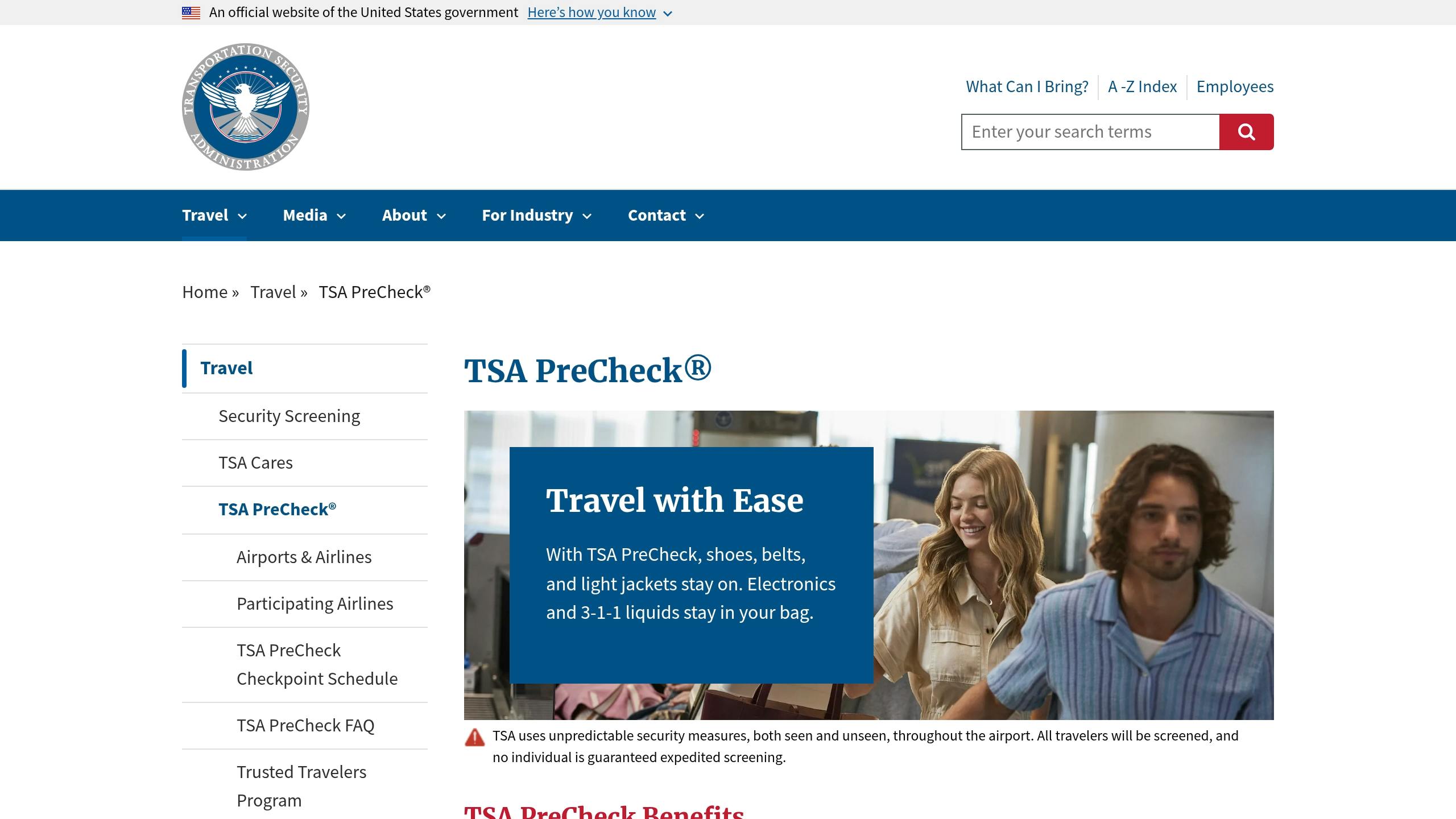
Who Can Get TSA PreCheck
Before applying, make sure you meet the eligibility requirements and have the necessary documents ready.
Basic Eligibility
- U.S. citizens, U.S. nationals, and lawful permanent residents
- No record of disqualifying criminal offenses or security concerns
- Must be 18 or older to apply independently
- Children under 12 qualify automatically when traveling with an enrolled parent or guardian
- No history of customs violations or transportation security incidents
Required Documents
- A valid U.S. passport or state-issued photo ID
- Proof of U.S. citizenship or permanent residency
- Birth certificate or naturalization papers
- Verification of your current residential address
Make sure to gather these documents before starting your application online. Once you’re ready, you can move on to the application process in the next section.
How to Apply
The TSA PreCheck application process is straightforward: fill out an online form and attend an in-person appointment. Here’s how to get started.
Fill Out the Online Form
Head to the official TSA PreCheck website (tsa.gov/precheck) to begin your application. The form takes about 10-15 minutes to complete. You’ll need to provide details like:
- Full legal name
- Address
- Date of birth
- Citizenship information
- Contact details
- Physical traits
- Employment and residence history for the past 5 years
Make sure you have all required documents ready before you start to avoid session timeouts. While the form does autosave, it’s best to complete it in one sitting.
What to Expect at the In-Person Appointment
- Schedule your appointment through TSA’s online system at one of their 500+ enrollment centers.
- Bring a valid ID and proof of citizenship.
- At the appointment, you’ll complete fingerprinting, have your photo taken, and verify your ID.
Plan to arrive 15 minutes early. The entire appointment usually takes 10-15 minutes.
Processing Time and Results
TSA typically processes applications within 3-5 business days, though it can take up to 60 days in rare cases. Once approved, your Known Traveler Number (KTN) will be sent to you via email and will be active immediately. You can check your application status online using your confirmation number.
If your application is denied, you’ll receive a letter explaining the reasons and outlining how to appeal.
When booking travel through Flight Booking 247, include your KTN during the reservation process to ensure it’s added to your travel documents.
Next: Learn about TSA PreCheck fees and membership details.
Fees and Membership
Current Fees
The application fee is $78 and non-refundable. This fee includes processing your application and conducting a background check.
5-Year Membership
Membership is valid for five years. You can renew it online up to six months before it expires – no need for another in-person appointment.
Next: learn about discounts and fee waivers.
Main Advantages
TSA PreCheck offers more than just savings on membership fees – it also provides practical perks that make air travel smoother.
Quicker Security Lines
Use exclusive PreCheck lanes at over 200 airports across the U.S., allowing you to move through security faster as soon as you’re approved.
Simplified Screening Process
Skip the hassle of removing shoes, belts, and light jackets. Your laptop and approved liquids can also stay in your bag, helping you avoid common slowdowns at security checkpoints. Up next: how to make your enrollment day effortless.
Best Practices
Enrollment Day Tips
Make sure to bring your passport or state ID along with a photocopy. Keep these documents in a clear pouch for easy access during the enrollment process.
Using PreCheck at Airports
Once your KTN is active, follow these steps to move smoothly through security:
- Travel midweek (Tuesdays–Thursdays) to avoid long lines.
- Opt for smaller or alternative airports with less crowded screening areas.
- Keep your travel documents easily accessible.
Combine these habits with expert advice to make the most of your TSA PreCheck.
Flight Booking 247 Support

Flight Booking 247 offers round-the-clock travel assistance to help you seamlessly integrate your KTN into every booking. Their team can assist you with:
- Booking flights in advance to secure the best schedules and prices.
- Comparing real-time flight options across airlines.
- Choosing midweek travel or secondary airports to save time and money.
Reach out to Flight Booking 247 before booking to get personalized tips and live deal updates, ensuring a smoother and more efficient travel experience with TSA PreCheck.
Conclusion
TSA PreCheck offers exclusive lanes and faster security checks, helping you save time and avoid hassle for up to five years. Want to get started? Head to tsa.gov/precheck or contact Flight Booking 247 for round-the-clock booking assistance and KTN integration.