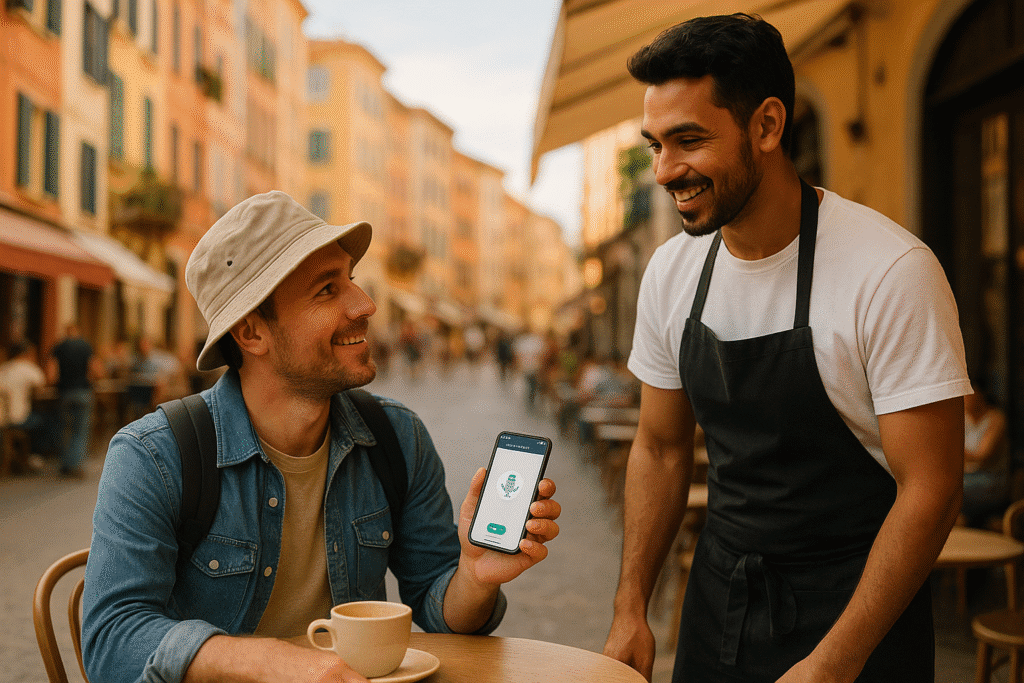
Traveling abroad can be challenging when language barriers arise. Translation apps simplify communication, making it easier to navigate unfamiliar streets, order food, or handle emergencies. These tools turn your smartphone into a personal interpreter, offering text, voice, and camera translations to help you interact confidently in non-English-speaking countries.
Key Takeaways:
- Translation apps help you read signs, menus, and schedules quickly.
- They’re essential for emergencies, like explaining symptoms to doctors or reporting issues to authorities.
- Download language packs before your trip to use apps offline and avoid data charges.
- Popular apps include Google Translate, Apple Translate, iTranslate, and Microsoft Translator.
- Save common phrases in the app for quick access during travel.
Pro Tip: Test the app features at home and ensure your phone has enough storage for offline language packs. This preparation ensures smoother communication wherever you go.
🚀 Master Your Google Translate App for Travel Success! 🌍
Setting Up Translation Apps for Your Trip
Getting your translation apps ready before you leave can save you a lot of hassle while traveling. By downloading apps and language packs ahead of time using Wi-Fi, you’ll avoid unnecessary mobile data charges and ensure smoother communication abroad. Here’s a quick guide to help you download, set up, and fine-tune your translation apps for your trip.
Downloading and Installing Translation Apps
Start by picking apps that match your needs. Google Translate is a solid choice with text, voice, and camera translation features available for both Android and iOS. If you’re using an iPhone, Apple Translate is already pre-installed and works well offline. iTranslate offers a free version, but its premium plan at $5.99 per month unlocks features like offline translation. Meanwhile, Microsoft Translator offers robust offline functionality across multiple platforms.
Once you’ve downloaded the apps, test their main features to make sure they’re working properly on your device. This way, you won’t run into surprises when you need them most.
Setting Up Offline Access
Offline access is a game-changer when traveling to areas with spotty internet or when you want to avoid expensive roaming fees. Many popular translation apps let you download language packs in advance, so take advantage of this feature.
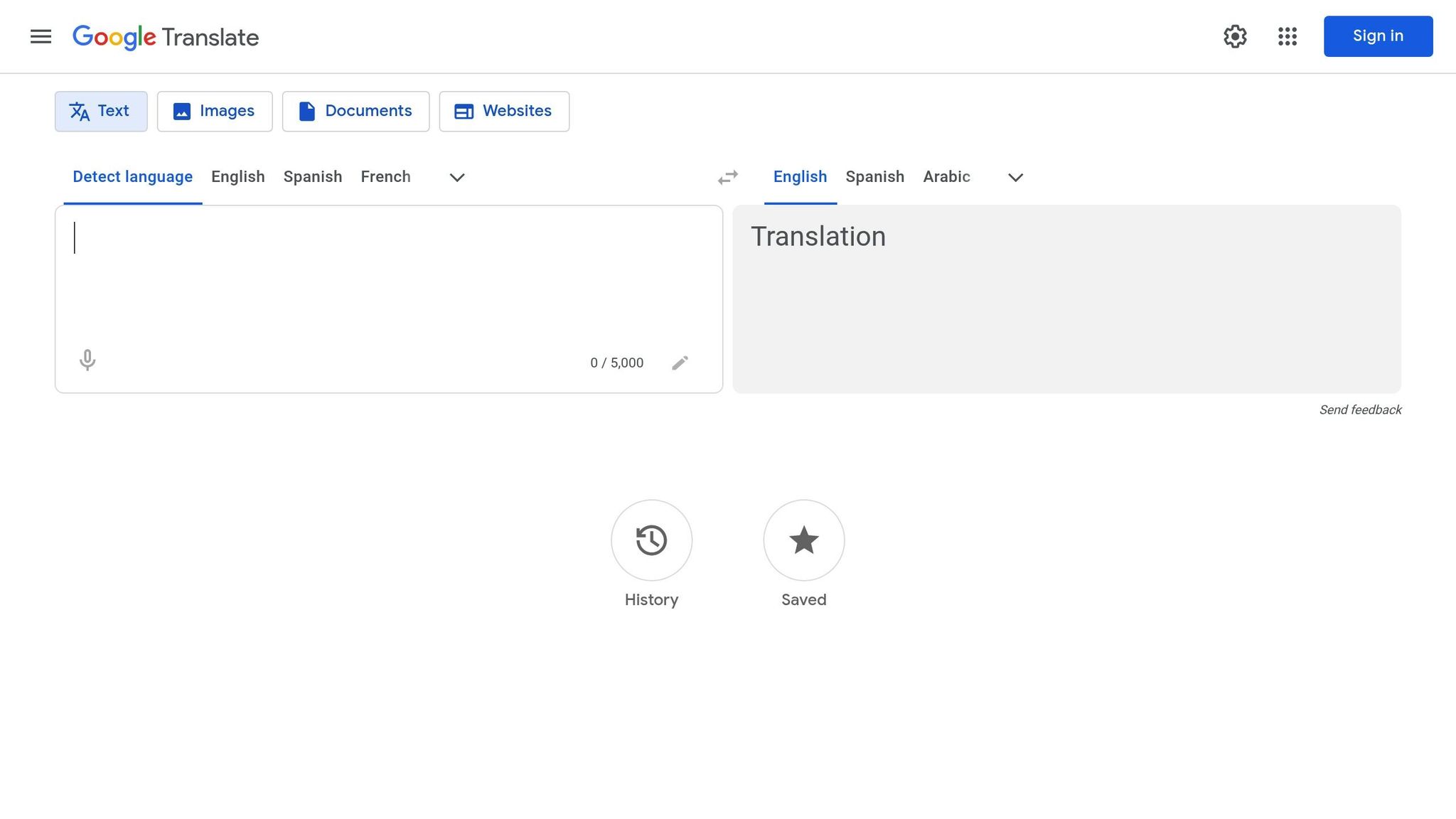
For Google Translate, connect to Wi-Fi, open the app, and select the language you need. Tap the “Download” icon next to it, then adjust your settings to manage mobile data usage by going to Menu > Settings > Data Usage > Downloaded Languages.
Apple Translate also supports offline translations. Download the necessary languages to your device, allowing you to hold conversations without needing an internet connection [3] [4].
If you’re using iTranslate, you’ll need a premium subscription to fully access offline features. As the app suggests:
“Before you depart, preload the language(s) of your destination. This ensures seamless translations even in places with patchy internet.”
Make sure to download language packs for every country you plan to visit, including any transit stops where you might need assistance.
Adjusting Settings for US Travelers
To get the most accurate translations, set your apps to English (United States) as the primary language. This ensures the apps recognize American spelling and phrases, making translations more precise and relevant to your needs.
Enabling Dark Mode can help conserve battery life and reduce eye strain, especially during long travel days. Also, take a moment to review the privacy settings in your apps. For example, Apple Translate processes most translations directly on your device, offering an added layer of privacy.
If you’re planning an extended trip, upgrading to a premium plan might be worth considering. DeepL offers paid plans starting at $8.74 per month, while Translate Now provides weekly subscriptions for $4.99, which include unlimited use and features like speak-to-translate.
Using Translation Apps in Common Travel Situations
With your translation apps ready to go, it’s time to see how they can help in real-world travel scenarios. These tools are incredibly handy when you’re exploring new places, trying unfamiliar foods, or dealing with unexpected challenges. Here’s how to make the most of them.
Getting Around Airports, Hotels, and Transportation
Translation apps can be lifesavers when navigating transportation hubs or unfamiliar streets. Use the camera translation feature to quickly interpret signs, departure boards, bus schedules, or street directions in languages like Japanese, Arabic, or Russian. Just point your camera at the text, and you’ll have a translation in seconds.
For spoken interactions, voice translation is your go-to. Whether you’re asking about gate changes, check-in details, or directions, this feature allows you to speak in your language and have the app translate it for you. Many apps even have audio playback, so the other person can hear the translation directly.
Before your trip, save common phrases like “How much does this cost?” or “Where is the nearest subway station?” in your app’s favorites or phrasebook. For taxi rides or local assistance, use text translation to display addresses or instructions clearly. These simple steps will make navigating and interacting with locals much smoother.
Ordering Food and Dining Out
Dining in a foreign country can be an adventure, and translation apps can help you fully enjoy it. Use the camera feature to scan menus and get a general idea of the dishes available. While the translations might not be perfect, they’ll usually give you enough context to choose something that looks appealing.
When you need to ask about ingredients or explain dietary restrictions, voice translation becomes essential. For example, you can ask, “Does this contain nuts?” or “I’m allergic to shellfish.” Many apps also include pronunciation guides, so you can learn how to say dish names correctly and impress the locals.
If you have specific dietary needs, consider pre-translating explanations and saving them in the app. This extra step can help you communicate clearly with restaurant staff, reducing the chance of misunderstandings. These tools aren’t just helpful for meals – they’re invaluable in emergencies too.
Handling Emergencies and Critical Situations
Translation apps aren’t just convenient – they can be crucial in emergencies. Whether you’re dealing with a medical issue, lost belongings, or another urgent situation, these tools can help you communicate clearly when it matters most.
As Nagore Valera from Talkao Blog puts it:
“In a pinch, these apps become your capeless hero. Whether it’s explaining a shellfish allergy or locating the nearest emergency exit, they help you communicate clearly in urgent situations.” – Nagore Valera, Talkao Blog
To prepare for emergencies, preload phrases like “I need help” or “Call the police.” Include details about medical conditions, allergies, and basic requests such as “Where is the hospital?” This preparation can save you time and stress during critical moments.
For medical emergencies, voice translation is especially useful for describing symptoms or medication allergies to healthcare providers. Being able to explain pain levels or chronic conditions accurately can ensure you receive the right care. Similarly, text translation is perfect for sharing key details like your blood type, emergency contacts, or insurance information with local authorities.
If you lose belongings or face theft, translation apps can assist in filing police reports or communicating with embassy staff. Clear descriptions of what happened and the missing items will help you navigate the next steps more effectively.
sbb-itb-e205081
Making Apps Work Better and More Reliably
Translation apps can be incredibly helpful, but even the best ones rely on your phone’s battery and internet connection. A little planning ahead can ensure these tools stay functional throughout your travels.
Here’s how you can keep your translation apps dependable during your trip.
Staying Connected and Powered
Your phone’s battery life is key to keeping your translation app running. Pack a portable charger that can handle multiple recharges. Many seasoned travelers carry both a compact charger for daily use and a larger one for longer outings.
For even more convenience, consider a power bank with multiple ports so you can charge several devices at once. Models with fast-charging capabilities can also save you time. Relying on airport charging stations can be a hassle, so having your own portable solution is a smart move.
When it comes to staying online, hotel Wi-Fi can be sufficient for basic tasks, though it may not always be reliable. For more consistent connectivity, explore international data plans from your carrier, though these can be pricey. If you’re staying in one country for a while, a local SIM card often provides better value, offering generous data allowances. Another option is a portable Wi-Fi hotspot, which is particularly useful for families or groups since multiple devices can connect to it. Costs will vary depending on your destination.
Using Offline and Online Modes
Offline translation features are a lifesaver when you’re out of range. Most major translation apps let you download language packs ahead of time, so make sure you have enough storage space on your phone before you go.
While offline mode works well for basic phrases, online translation is better for complex sentences and real-time conversations. It’s also more accurate with technical terms. To save data and battery life, switch between offline and online modes depending on your needs – use offline mode for simple interactions and online mode for more intricate translations.
Fixing Common Problems
Translation apps aren’t perfect, but you can troubleshoot common issues with a few simple steps.
- App Crashes or Freezes: If your app crashes due to memory overload or outdated software, close background apps and restart your phone or the app itself.
- Misinterpretations: For clearer translations, break down long sentences into shorter, simpler phrases. Avoid slang, idioms, or cultural references that might not translate well. When speaking into the app, articulate slowly and clearly, pausing between phrases to give it time to process.
- Connectivity Issues: If online features stop working, toggle airplane mode on and off to refresh your network. If Wi-Fi isn’t reliable, switch to mobile data or try another available network.
- Camera Translation Problems: Poor lighting or blurry text can interfere with camera-based translations. Keep your phone steady, ensure there’s good lighting, and clean your camera lens for better results. For handwritten or decorative fonts, typing the text manually often works better.
Lastly, always update your translation apps before your trip. Updates can fix bugs, improve accuracy, and expand language options. To save mobile data, download updates while connected to a stable Wi-Fi network.
Using Translation Apps with Travel Services
Translation apps are a game-changer when it comes to bridging language gaps in travel. Whether you’re dealing with professional travel services or local providers, these tools make it much easier to navigate booking details and communicate effectively. They extend the benefits of seamless communication into your interactions with travel service providers, ensuring a smoother travel experience.
Using Apps to Communicate with Travel Concierges
Once you’ve set up your translation app and made offline preparations, it becomes an essential tool for clearly relaying travel details. For instance, if you need to adjust flights while abroad, translation apps can help you communicate effectively with travel concierges. Services like Flight Booking 247 offer round-the-clock phone support, but when you need to pass along information from local sources or translate documents, having a translation app at hand simplifies the process.
Real-time translation is especially helpful when addressing booking issues. You can relay accurate details during calls for rebooking assistance or when sharing specific information like hotel addresses, location names, or local transportation details. Sometimes, place names are best captured using a camera translation feature, which allows you to share both the original text and its English translation with your concierge.
Keep your translation app open during calls with travel services, especially when you’re in a non-English-speaking country. If local staff need to share important details about your flight or other arrangements, you can translate their words in real time and relay them accurately to your travel concierge.
Improving Interactions with Local Service Providers
Translation apps also enhance your day-to-day interactions with local service staff, ensuring smoother communication throughout your trip. Airport staff, hotel employees, and transportation workers may have limited English proficiency, particularly in smaller towns or rural areas. Translation apps give you the confidence to navigate these interactions and get the help you need.
At airports, these apps can assist with communicating with check-in counter staff, security personnel, and gate agents. You might need to translate questions about baggage allowances, seat changes, or connecting flight details. Voice translation is particularly useful in noisy environments like airports, while showing the translated text on your phone screen ensures clarity.
Hotels are another area where translation apps shine. Whether you’re addressing room issues, requesting amenities, or asking for local recommendations, these tools make communication much easier. Hotel staff often appreciate it when guests make an effort to communicate in their language, even through an app. Features like conversation mode are perfect for back-and-forth discussions about room service, housekeeping, or checkout procedures.
For ground transportation, translation apps help you relay directions and confirm payments with drivers or conductors, removing guesswork from the equation.
Dining out becomes a more enjoyable experience with translation apps. Beyond simply reading menus, you can ask about ingredients for dietary restrictions, request dish modifications, or learn about local specialties. While camera translation is great for scanning menus, voice translation opens the door to more detailed conversations with servers about food preparation or recommendations.
Save commonly used phrases – like addresses, pricing questions, and directions – in your app to speed up interactions with various travel services.
Even when working with tour guides or activity providers, translation apps come in handy. While many guides speak some English, these tools help you clarify details like meeting points, schedules, or safety instructions. They can also be useful for connecting with other participants who speak different languages, creating opportunities for meaningful exchanges that might not have happened otherwise.
Conclusion
Translation apps have made international travel so much simpler by breaking down language barriers. The secret to making the most of them? A little preparation before you even pack your bags. Download language packs while connected to Wi-Fi, try out a few apps to see which one fits your travel needs, and get comfortable with features like camera translation and conversation modes. These small steps can make a big difference in how smoothly your trip goes.
Clear communication is key when using these tools. Stick to straightforward sentences, speak slowly, and avoid slang or complicated expressions that might trip up the app’s algorithms. Free apps like Google Translate and Apple Translate come packed with features that can handle most situations with ease.
“A translation app in hand simplifies travel.” – Timekettle
Translation apps also shine when you’re dealing with professional travel services. Whether you’re coordinating flight changes with services like Flight Booking 247 or managing an unexpected travel hiccup, these tools ensure your message comes through loud and clear. With the preparation tips mentioned earlier, you’ll be ready to communicate confidently every step of the way.
FAQs
What should I look for in a translation app when traveling internationally?
When picking a translation app for your travels, focus on tools that make communication easier and more reliable. Features like real-time voice translation, offline functionality, and support for local expressions and context can help you avoid awkward or confusing moments. Well-known options such as Google Translate and Apple Translate are praised for their simplicity and accuracy.
Some apps also offer handy extras, like camera translation to decipher menus or signs, and conversation mode for more natural back-and-forth exchanges. Before you head out, take a few minutes to test the app to ensure it works well for your specific needs – especially if you’re visiting places with limited internet access. A bit of planning can go a long way in making your travels smoother!
How can I make sure my translation app works without internet while traveling?
Before heading out on your trip, make sure your translation app is ready to work offline. Start by downloading the necessary language packs or dictionaries in advance. Apps like Google Translate and Apple Translate include options in their settings to save languages for offline use.
Once you’ve done that, switch your phone to airplane mode and test the app to ensure it works without an internet connection. This quick check can save you from unexpected issues when you need the app the most.
How can translation apps help in emergencies while traveling internationally?
Translation apps can be a true lifesaver when you’re facing emergencies abroad. They make it easier to communicate with local authorities, medical staff, or even helpful bystanders. With these tools, you can explain your situation, follow instructions, and ask for help – even if you don’t know the local language.
Apps like Google Translate and Microsoft Translator come with handy features such as real-time voice and text translation. Plus, if you download offline language packs ahead of time, you can use these apps without needing an internet connection. This can be incredibly useful in critical moments, whether you’re trying to get medical assistance or report an urgent issue, no matter where you are.