
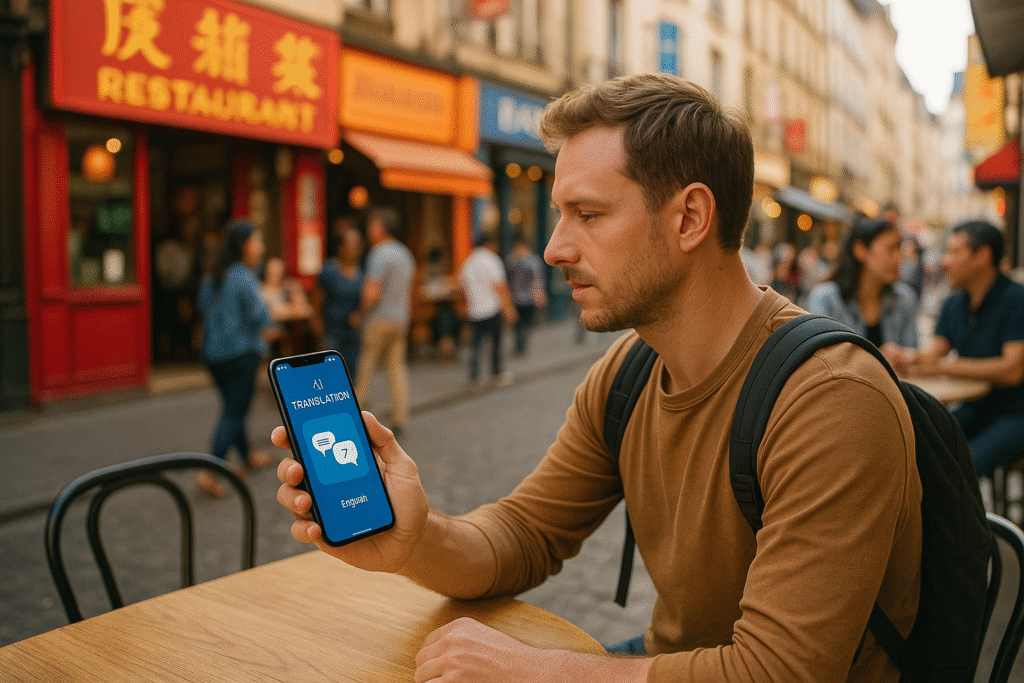
Traveling internationally? AI translation apps make communication easier by turning your smartphone into a translator. Here’s what you need to know about eight popular apps:
- Google Translate: Free, supports 130+ languages, works offline for 59 languages, and offers text, speech, and image translation.
- iTranslate: Free with premium options ($4.99/month or $39.99/year), supports 100+ languages, and includes offline and voice features for paid users.
- Triplingo: Focused on travel phrases and slang, supports 19 languages for real-time voice translation, but lacks image translation. Costs $9.99/month or $79.99/year.
- Microsoft Translator: Free, supports 70+ languages, and offers offline, voice, and image translation.
- DeepL Translator: Highly accurate for European languages, supports 26 languages, but requires internet. Premium plans start at $8.74/month.
- SayHi: Best for voice translation, supports 90+ languages, free with ads or $2.99 for ad-free use.
- Papago: Tailored for Asian languages (13 supported), free with offline and image translation.
- Reverso: Great for contextual translations, supports 26 languages, with premium plans at $4.99/month or $39.99/year.
Quick Comparison:
| App | Languages | Offline Support | Text/Speech/Image Translation | Cost | Best For |
|---|---|---|---|---|---|
| Google Translate | 130+ | Yes (59 languages) | Yes | Free | General use, budget-friendly |
| iTranslate | 100+ | Limited (paid users) | Yes | Free/$4.99/month | Voice features, premium options |
| Triplingo | 19 | Yes (basic) | No image translation | $9.99/month | Travel phrases, cultural focus |
| Microsoft Translator | 70+ | Yes | Yes | Free | Conversations, offline use |
| DeepL Translator | 26 | No | Text and speech only | $8.74/month | European languages |
| SayHi | 90+ | No | Speech only | Free/$2.99 (no ads) | Voice translation |
| Papago | 13 | Limited | Yes | Free | Asian languages |
| Reverso | 26 | Basic | Text and speech only | $4.99/month | Contextual accuracy |
Each app has strengths. Google Translate and Microsoft Translator are free and versatile, while DeepL excels in precision for European languages. Papago is ideal for Asian destinations, and SayHi is a simple choice for voice interactions. Pick based on your destination, needs, and whether offline access is essential.
Top 5 AI Translation Apps in 2025
1. Google Translate
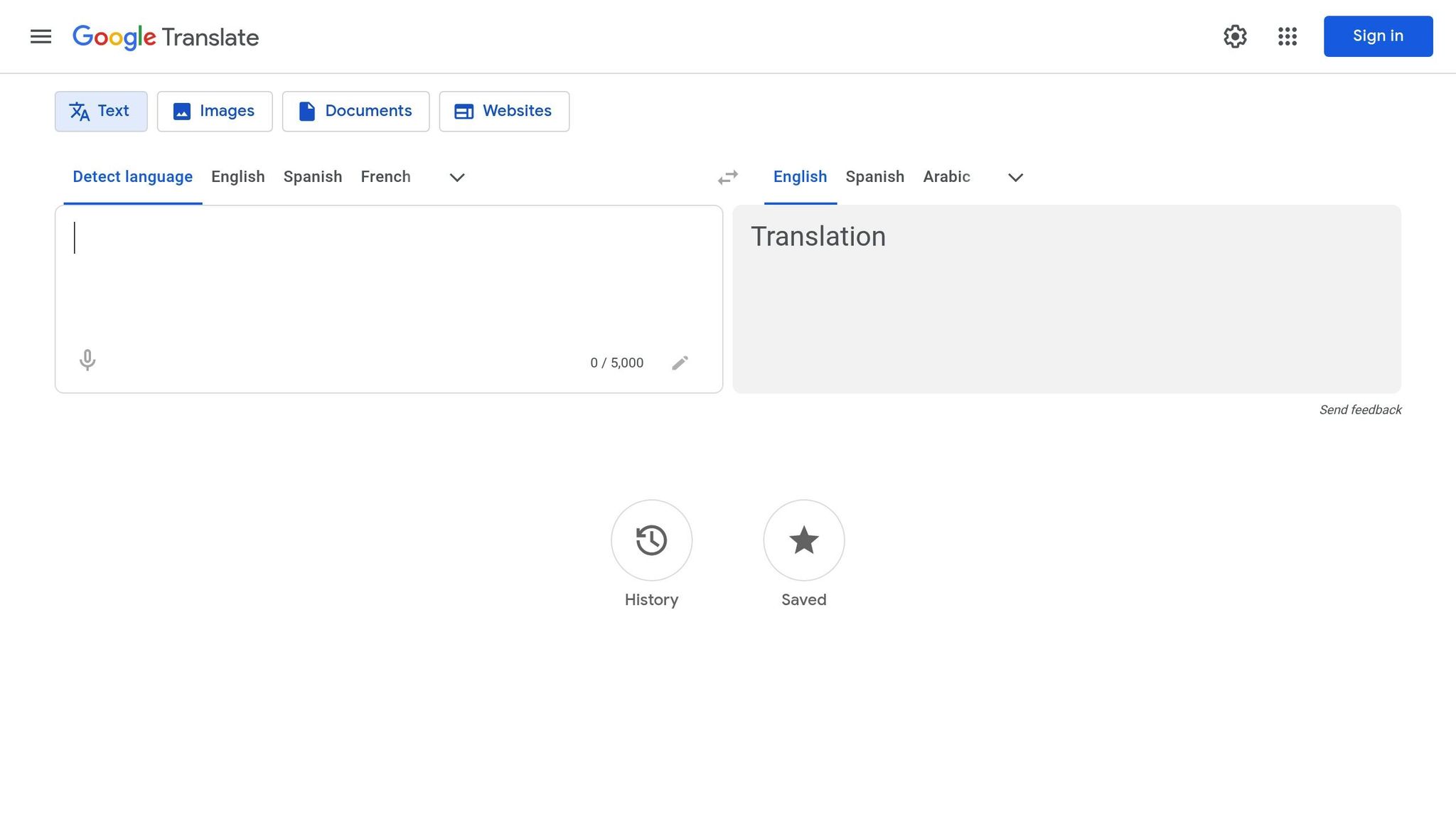
Google Translate is a widely used, free translation app that’s packed with features, making it a favorite among American travelers. Its accessibility and extensive functionality help millions break language barriers while exploring the world.
Supported Languages
Google Translate supports over 100 languages, ranging from major ones like Spanish, French, German, Italian, Japanese, Chinese, Korean, and Arabic to less commonly spoken languages. This broad coverage means travelers can rely on it in a variety of regions, whether they’re navigating bustling cities or remote destinations.
Offline Functionality
One of the app’s most useful features is its offline mode. You can download language packs ahead of time, with each pack using just 25-45 MB of storage. This is especially handy when traveling to areas with limited or no internet access.
Currently, the offline mode supports about 59 languages, and recent updates have significantly improved its accuracy. Offline translations are now 12% better overall, with certain languages – like Hindi, Thai, Korean, Polish, and Japanese – seeing up to 20% quality improvements.
To avoid unexpected data charges, download the necessary language packs before your trip while connected to Wi-Fi. You can also adjust the app’s settings to manage downloads, choosing either “Ask before downloading” or “Use Wi-Fi or mobile network” for future updates.
Speech, Text, and Image Translation
Google Translate offers three main translation modes:
- Text translation: Works both online and offline.
- Speech translation: Handles real-time conversations (requires internet).
- Image translation: Instantly translates text from signs, menus, or documents by overlaying the translation on the image.
The image translation feature is a game-changer for travelers. Just point your camera at printed materials like restaurant menus, street signs, or maps, and the app will display translated text directly on the image. It’s especially helpful in places like transportation hubs or tourist attractions where quick comprehension is key.
Pricing (USD)
Google Translate is completely free – no subscriptions, no in-app purchases, and no hidden costs. For travelers on a budget, this makes it an excellent choice for reliable language assistance without adding to trip expenses.
While Google Translate’s features make it an ideal starting point for most travelers, it’s worth noting that it may struggle with nuanced translations or understanding cultural subtleties. Up next, we’ll explore another top app, iTranslate, to see how it compares in functionality and performance.
2. iTranslate
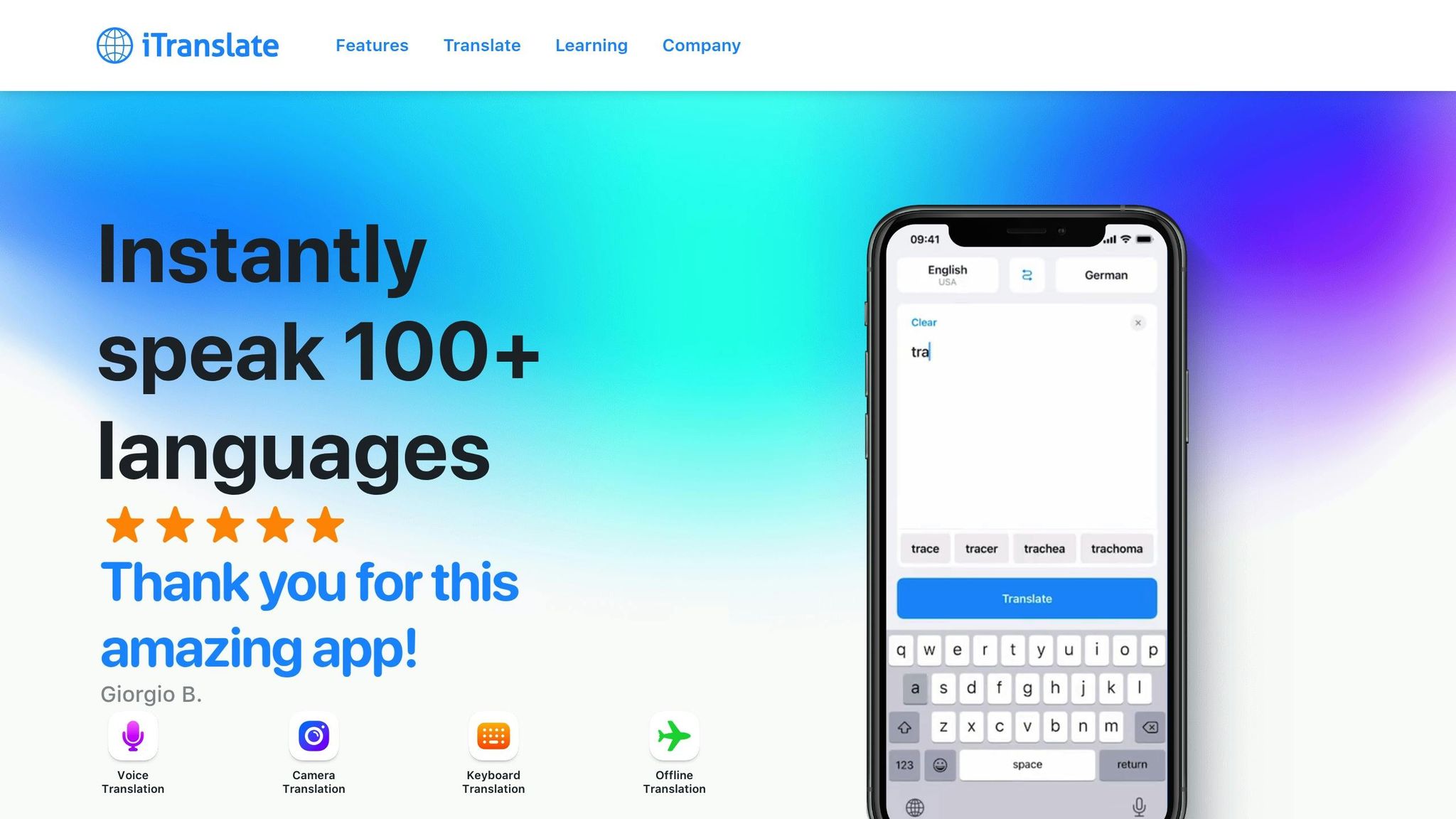
iTranslate is a handy tool for American travelers, offering both free and paid options with a focus on ease of use and polished features. While it doesn’t support as many languages as Google Translate, it makes up for this with its thoughtful design and functionality.
Supported Languages
iTranslate supports over 100 languages for text translation and 40+ languages for voice translation. It covers major world languages like Spanish, French, German, Italian, Portuguese, Russian, Chinese, Japanese, Korean, and Arabic. The app performs particularly well with European languages and offers decent support for Asian languages, though accuracy can vary depending on the dialect.
Offline Functionality
For offline use, free users can download one language pack, while Premium users enjoy unlimited downloads. Each pack is about 30–50 MB in size. Offline mode works well for translating basic phrases and common words, making it a reliable option for situations like ordering food, asking for directions, or checking into a hotel when Wi-Fi isn’t available. However, voice translation features require an internet connection.
Next, let’s explore how the app handles speech and image translations.
Speech, Text, and Image Translation
iTranslate offers a variety of translation methods, though some are exclusive to premium users:
- Text translation: Available in both the free and premium versions, it features a clean interface along with pronunciation guides and alternative translations to help with context.
- Voice translation: The free version has limited functionality, while Premium users unlock real-time conversation mode, which allows two people to speak different languages and get instant translations. This feature is especially useful for interacting with locals during travel.
- Camera translation: Available only with a premium subscription, this feature lets users take photos of text for translation. While effective, it lacks the convenience of real-time overlay seen in some other apps.
Pricing (USD)
iTranslate’s features are reflected in its tiered pricing:
- Free version: Includes basic text translation, limited voice features, and one offline language pack.
- iTranslate Pro: $4.99/month or $39.99/year
Unlocks unlimited offline languages, real-time conversation mode, camera translation, and removes ads. - iTranslate Pro+: $9.99/month or $79.99/year
Adds extras like website translation and verb conjugation, which are better suited for language learners rather than casual travelers.
For those on a tight budget, the free version is sufficient for basic travel needs. However, the single offline language pack can be a drawback for trips involving multiple destinations. If you’re considering the premium options, weigh the cost against your travel plans and how much you’ll rely on the app’s advanced features.
3. Triplingo
Triplingo is a translation app designed to help American travelers navigate language barriers when abroad. While it supports real-time voice translation in 19 languages, its overall selection of languages is somewhat limited.
Supported Languages
The app covers 19 major languages for voice translation, including Spanish, French, German, Italian, Portuguese, Mandarin, Japanese, Korean, and Arabic. This range caters to many common travel destinations.
Offline Features
One of Triplingo’s standout features is its offline dictionary, which contains up to 10,000 words. This allows users to search for essential words and phrases without needing internet access – an especially useful tool in areas with poor connectivity. However, it’s important to note that real-time voice translation and the Wi-Fi dialer both require an active internet connection to function.
Real-Time Voice Translation
Triplingo’s real-time voice translation works across its supported languages, enabling users to communicate more effectively in foreign environments. Additionally, the app offers a Wi-Fi dialer that lets travelers make international calls over Wi-Fi, making it easier to connect with local services while abroad.
Despite these features, Triplingo has received poor user reviews, with ratings of 1.0/5 on Aptoide and 0.0/5 on SourceForge, indicating it may not fully meet user expectations. Up next, we’ll take a closer look at how Microsoft Translator compares.
4. Microsoft Translator
Microsoft Translator is a versatile translation tool designed to meet the needs of travelers and language learners alike. Let’s take a closer look at what it offers.
Supported Languages
Microsoft Translator supports over 70 languages for text translation, making it a reliable choice for covering major global destinations. Popular languages such as Spanish, French, German, Italian, Portuguese, Mandarin, Japanese, Korean, Arabic, Russian, and Hindi are included. For voice translation, the app works with 60+ languages, while its camera translation feature supports 90+ languages – one of the widest selections available.
Offline Capabilities
One of the app’s standout features is its offline functionality. Travelers can download language packs in advance, enabling text translation without an internet connection. This is especially helpful in areas with limited connectivity or when avoiding high roaming charges. However, it’s worth noting that features like voice and camera translation still require an active internet connection.
Translation Methods
Microsoft Translator provides four key translation options tailored to different scenarios:
- Text translation: Works flawlessly online or offline, ideal for translating written materials like signs or menus.
- Voice translation: Supports real-time, spoken conversations, offering instant translations as you talk.
- Camera translation: Instantly translates text captured through your phone’s camera, perfect for menus, signs, or documents.
- Conversation mode: Facilitates multilingual discussions by detecting spoken languages and translating them for all participants in real time.
Pricing (USD)
Microsoft Translator is completely free for personal use. There are no hidden costs, premium subscriptions, or paywalls, making it a budget-friendly option for travelers who want access to advanced translation tools. The free version includes all its main features, such as offline translation, voice recognition, camera translation, and conversation mode.
For businesses, Microsoft offers paid Azure Translator services, which include advanced features like custom translation models and enterprise system integration. However, these are geared toward professional use and aren’t necessary for everyday travel needs. Up next, we’ll see how these features stack up against other popular translation apps.
5. DeepL Translator
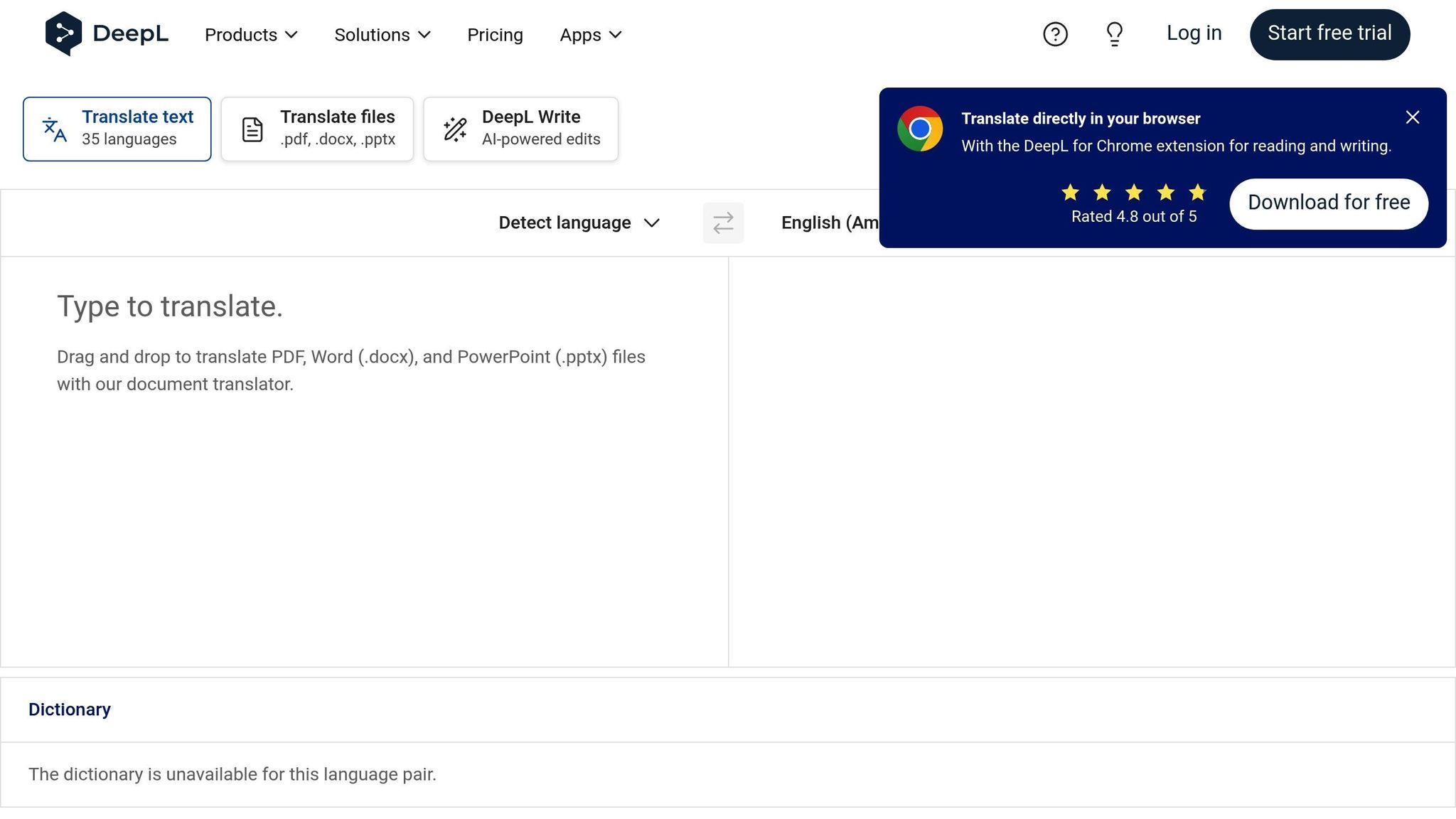
DeepL Translator is widely recognized for its precision, particularly when it comes to European languages. Its reputation stems from delivering high-quality translations and a smooth user experience.
Supported Languages
DeepL Translator offers text translation in 26 languages, including English, Spanish, French, German, Italian, Portuguese, Dutch, Polish, Russian, Japanese, Chinese (Simplified), Bulgarian, Czech, Danish, Estonian, Finnish, Greek, Hungarian, Latvian, Lithuanian, Romanian, Slovak, Slovenian, Swedish, Turkish, and Ukrainian. This range covers many popular travel destinations across Europe, Asia, and the Americas. However, travelers heading to areas where less commonly spoken languages dominate might find the language options somewhat restrictive. The app simplifies usage by automatically detecting the source language, making it accessible even when you’re unsure of the language you’re dealing with. While the language support is impressive, its functionality hinges on internet access, which can be a drawback in certain situations.
Offline Functionality
One limitation of DeepL Translator is its dependency on an internet connection. Without connectivity, the app cannot function, which could be inconvenient in areas with poor or no internet access.
Translation Capabilities
DeepL primarily focuses on text translation, excelling in producing natural and accurate translations, especially for European language combinations.
User Ratings and Reviews
DeepL has earned strong praise from users, boasting a 4.6/5.0 rating on G2 (based on 50+ reviews) and an even higher 4.8/5.0 rating on Capterra (with 130+ reviews). While its accuracy makes it a top choice for text translation, users planning trips to regions with limited internet access should weigh its reliance on connectivity when deciding if it’s the right tool for their needs.
6. SayHi
SayHi stands out as a translation app tailored specifically for conversational use. Created by SayHi LLC, this tool focuses on voice translation, making real-time conversations across languages much smoother.
Supported Languages
SayHi supports over 90 languages and dialects, offering a wide range of options for travelers. Major languages like Spanish, French, German, Italian, Portuguese, Mandarin Chinese, Japanese, Korean, Arabic, Hindi, and Russian are included, along with a variety of regional dialects. This extensive language coverage ensures that users can navigate diverse linguistic landscapes with ease.
One of the app’s standout features is its ability to automatically detect the language being spoken. This is especially handy in multilingual areas or when encountering unexpected language barriers. It eliminates the need to guess what language someone is speaking, making communication more intuitive and stress-free.
Speech/Text Translation
The app’s real strength lies in voice translation. SayHi enables natural back-and-forth conversations by translating spoken words in real time. Users simply tap to speak, and the app provides both audio and text translations. This makes it ideal for quick exchanges, whether you’re asking for directions or discussing local customs.
To enhance usability, SayHi includes adjustable speech speed settings. This can be particularly useful when communicating with someone who may need slower pronunciation to fully grasp the translated speech. However, the app performs best in quieter environments, as background noise can interfere with voice recognition accuracy.
While SayHi does offer basic text translation, it doesn’t support image translation. Travelers needing to translate signs, menus, or other visuals will need a separate tool for those tasks.
Pricing (USD)
SayHi uses a freemium model, making it accessible to a wide audience. The free version includes all supported languages and both voice and text translation capabilities. However, users will encounter ads, which can be distracting during longer or more important conversations.
For those looking to remove ads, the premium version is available for a one-time cost of $2.99. This ad-free upgrade is a budget-friendly option, especially for frequent travelers. Unlike subscription-based apps, this one-time payment grants permanent access to the premium features, offering excellent value for the price.
Even with the free version, SayHi remains a functional tool for essential communication. However, the ads may become frustrating if you rely on the app for extended periods or critical interactions.
7. Papago
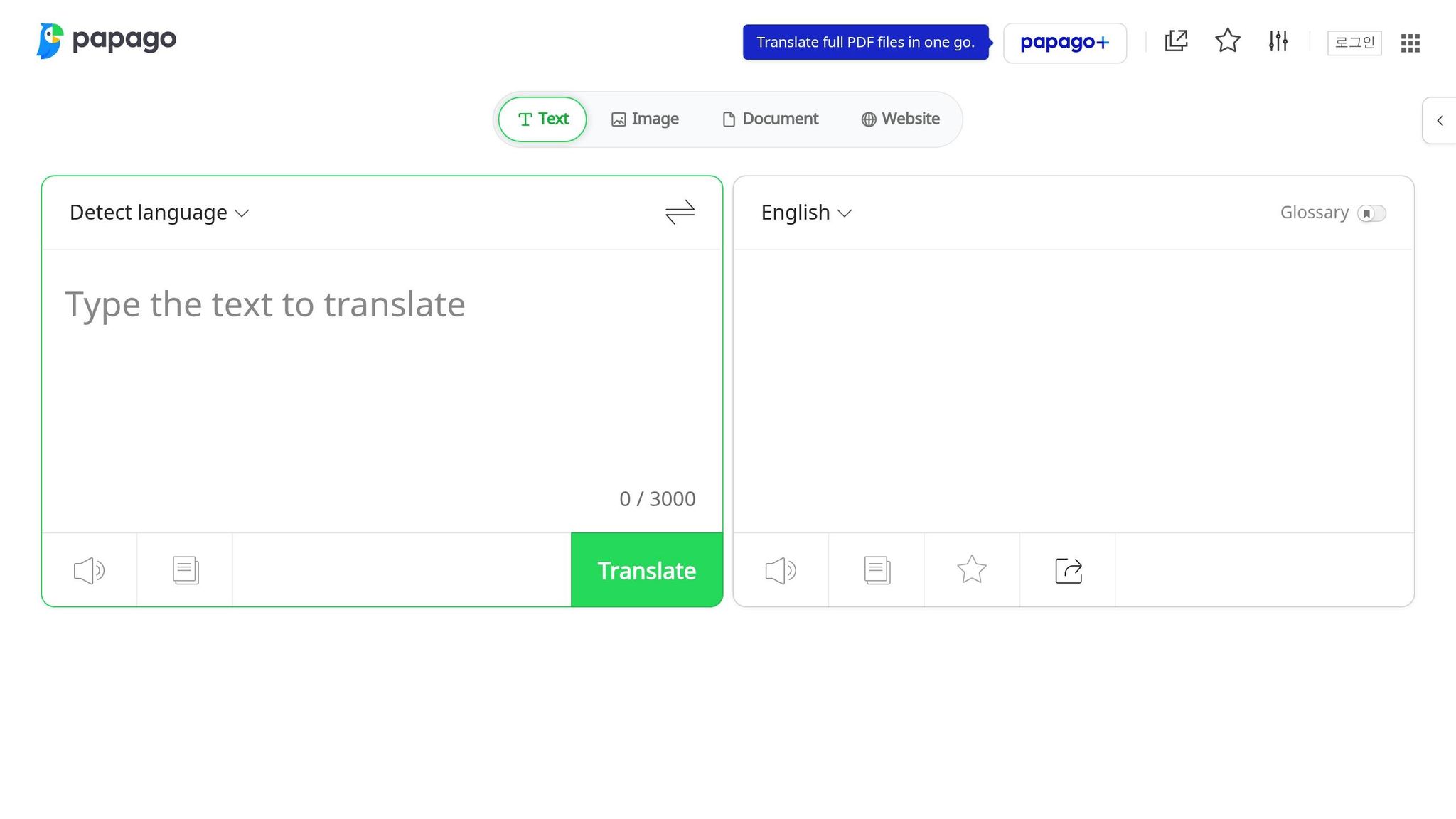
Papago, created by Naver Corporation, is a translation app with a strong focus on Asian languages. Originally designed to bridge communication among Korean, Japanese, and Chinese speakers, it has since expanded to include more languages while maintaining its regional expertise.
Supported Languages
Papago supports 13 languages: Korean, English, Japanese, Chinese (Simplified and Traditional), Spanish, French, German, Russian, Portuguese, Italian, Vietnamese, Thai, and Indonesian.
What makes Papago stand out is its high accuracy in Korean translations. Being developed by a South Korean company, the app has a deep understanding of Korean grammar, cultural nuances, and everyday expressions. This makes it a go-to tool for anyone traveling to South Korea or needing to communicate with Korean speakers.
The app also performs well with Chinese and Japanese translations, offering interpretations that feel natural and culturally appropriate. For those traveling in East Asia, Papago often delivers better results than apps with a broader but less specialized focus. This regional expertise makes it especially useful in areas where these languages are prevalent.
Offline Functionality
Papago allows users to download language packs for offline use, which is a lifesaver for international students, business travelers, or tourists visiting areas with unreliable internet access. While offline translations work well for basic text, the app’s full potential is unlocked when connected to the internet. Online access taps into Naver’s comprehensive database, providing more accurate translations for complex sentences or technical terms.
Speech, Text, and Image Translation
Papago offers various translation methods to fit different needs:
- Voice translation: Handles real-time conversations effectively, though it’s best used in quieter settings. It emphasizes culturally accurate translations, making conversations feel more natural.
- Image translation: Lets users point their camera at signs, menus, or documents for instant translations. It can also process text from saved photos in your device’s gallery.
- Text translation: This is the most precise option, offering not just translations but also explanations and alternative meanings for phrases. Papago often provides multiple translation choices with context, helping users pick the most fitting one for their situation. This feature is especially handy for travelers aiming for clear and accurate communication.
Pricing (USD)
Papago is completely free. All features – voice, image, and offline translation – are accessible without any cost. This makes it an excellent choice for budget-conscious users who want a reliable translation tool without paying for subscriptions or extra features.
Better yet, Papago doesn’t include ads or impose usage limits. Its clean, ad-free interface ensures a seamless experience, making it a straightforward and hassle-free option for all your translation needs.
8. Reverso
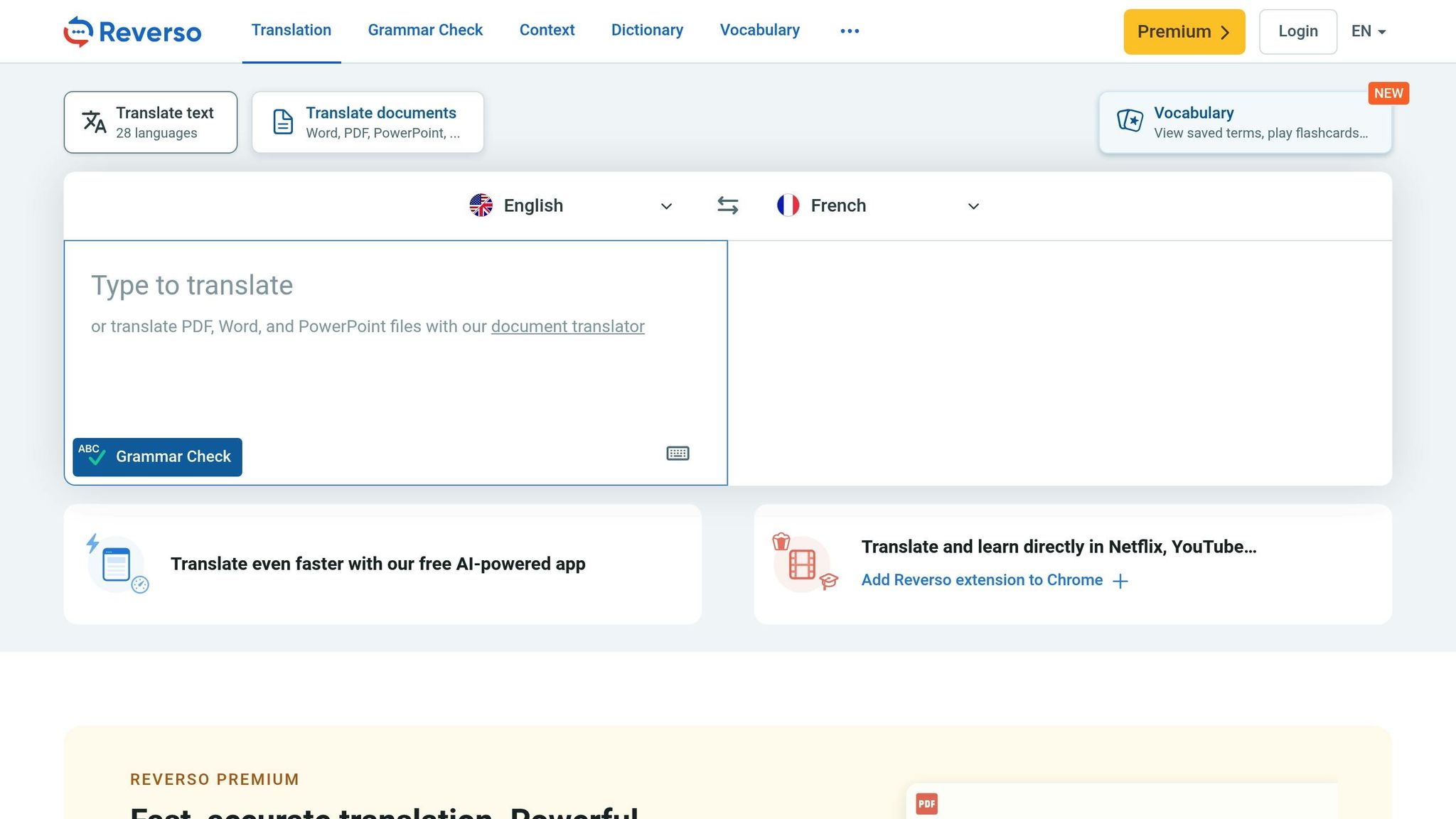
Reverso stands out by providing contextual translations that go beyond basic word-for-word conversions. Its ability to showcase real-world usage makes it especially appealing for travelers aiming to understand not just the meaning of words but also their subtleties and cultural nuances. Let’s dive into its language options, offline usability, translation features, and pricing.
Supported Languages
Reverso supports 26 languages on its web platform and 17 languages on mobile devices. Its selection includes widely spoken European languages like French, Spanish, German, and Italian, alongside Arabic, Russian, Chinese, and Japanese. While its language coverage is smaller compared to some competitors, Reverso makes up for it with its focus on contextual accuracy, which helps users grasp both meaning and cultural subtleties.
Offline Functionality
Reverso offers basic offline capabilities, which can be helpful in areas with limited internet access. However, for access to its full range of contextual examples and features, an internet connection is required.
A review on UpdateStar highlights this limitation, noting that “Requires internet connection for full functionality” as a drawback.
For travelers, this means you can still use basic translation features offline, but to fully benefit from its rich contextual tools, staying connected is ideal.
Speech and Text Translation
Reverso provides real-time text and voice translations, enriched with contextual examples sourced from books and articles. It also includes a dictionary and phrasebook to assist with everyday communication. This emphasis on context is particularly useful for understanding idiomatic expressions and cultural nuances.
While the voice translation feature supports real-time conversations, it’s more limited compared to the app’s text translation capabilities. To further assist language learners, Reverso includes pronunciation guides, vocabulary lessons, grammar exercises, flashcards, and quizzes. These tools make it a versatile option for those looking to improve their language skills while traveling.
Pricing (USD)
Reverso operates on a freemium model, offering a free version alongside premium subscription plans for users seeking more advanced features:
- Monthly subscription: $4.99, including a 7-day free trial
- Annual subscription: $39.99
The free version covers basic translation needs, while the premium subscription unlocks unlimited translations, advanced contextual examples, and additional learning tools. For casual users, the free version might suffice, but frequent travelers or those wanting a deeper understanding of a language may find the premium plan worth the investment.
Reverso has earned a 4.7-star rating on the App Store, with users praising its contextual accuracy and real-world examples. It’s an excellent choice for travelers who value detailed understanding over simple speed.
App Comparison: Benefits and Drawbacks
Choosing the right AI translation app depends on your specific needs, budget, and travel destination. Each app has its own set of strengths and weaknesses, making some better suited for particular travel situations. The table below breaks down the key features and limitations of popular translation apps to help you decide.
| App Name | Supported Languages | Offline Functionality | Speech/Text/Image Translation | Pricing (USD) | Main Benefits | Key Limitations |
|---|---|---|---|---|---|---|
| Google Translate | 130+ languages | Full offline for 59 languages | All three features | Free | Wide language support, strong image translation, free | Struggles with complex sentences, privacy concerns |
| iTranslate | 100+ languages | Limited for non-premium users | All three features | Free / $4.99 monthly / $39.99 yearly | Easy-to-use interface, reliable voice recognition | Limited free version, pricey premium plans |
| Triplingo | 100+ languages | Basic offline support | Speech and text only | Free / $9.99 monthly / $79.99 yearly | Travel-specific phrases, slang dictionary | No image translation, highest cost |
| Microsoft Translator | 70+ languages | Full offline support | All three features | Free | Great for conversations, group translation features | Fewer languages, less accurate for rare ones |
| DeepL Translator | 32 languages | No offline support | Text and speech only | Free / $8.74 monthly / $104.88 yearly | High translation accuracy, natural results | Limited language range, needs internet connection |
| SayHi | 90+ languages | No offline support | Speech only | Free with ads / $2.99 one-time | Voice translation focus, affordable premium option | No text or image translation, internet required |
| Reverso | 26 languages (17 on mobile) | Basic offline support | Speech and text only | Free / $4.99 monthly / $39.99 yearly | Contextual examples, grammar tools | Smallest language selection, limited offline features |
| Papago | 13 languages | Limited offline support | All three features | Free | Strong for Asian languages, good image translation | Limited to a few languages, mostly Asia-focused |
This comparison highlights how each app aligns with different travel needs, from broad language support to offline functionality.
For budget-conscious travelers, Google Translate and Microsoft Translator stand out as free options with solid performance.
If accuracy is your top priority, DeepL Translator offers highly precise translations, especially for European languages. However, its limited language selection and reliance on an internet connection might be a drawback in remote areas.
Business travelers or those headed to Asia might find Papago invaluable for its focus on Asian languages, while Triplingo is ideal for cultural phrases and slang, despite its higher price tag.
When offline access is critical, especially in areas with unreliable internet, Google Translate and Microsoft Translator deliver the best offline functionality.
Ease of use also varies. SayHi keeps things simple with its voice-only translation, while Reverso adds educational tools like contextual examples and grammar aids, which are perfect for language learners.
For privacy concerns, it’s worth noting that free apps like Google Translate often collect user data, while paid subscriptions typically offer better privacy protections.
Ultimately, your choice will depend on how you balance language coverage, offline features, and cost. Google Translate remains a versatile all-rounder, but specialized apps like DeepL and Papago shine in specific scenarios, ensuring you have the right tool for smarter language assistance while traveling.
Conclusion
AI translation apps have undeniably reshaped how we communicate across languages. Among them, Google Translate shines for its broad versatility, while DeepL Translator takes the lead in delivering highly accurate translations for European languages. If precision is your top priority – especially for European tongues – DeepL is a standout choice, though its reliance on internet connectivity may pose challenges in remote areas.
For budget-conscious travelers, free options like Google Translate and Microsoft Translator offer excellent functionality without breaking the bank. Meanwhile, business travelers heading to Asia might find Papago particularly useful due to its specialized focus on regional languages. If you’re traveling to areas with limited internet access, apps like Google Translate and Microsoft Translator, with their strong offline capabilities, become indispensable companions.
Pairing translation apps with professional travel services can make your journey even smoother. For instance, Flight Booking 247’s 24/7 concierge service ensures you get the best flight deals, while translation apps guarantee hassle-free communication upon arrival. This combination ensures a seamless experience, from planning to navigating your destination.
It’s worth noting that no single app can meet every need. Experienced travelers often rely on a mix: Google Translate for general use, DeepL for in-depth translations, and Papago for regional expertise. Investing in premium features, such as offline access, often proves valuable, especially during extended international trips.
As AI technology continues to advance, these tools will only become more essential for travelers. Make your choice based on your destination, language requirements, internet availability, and whether you need broad coverage or highly precise translations.
FAQs
What should I consider when choosing an AI translation app for travel?
When choosing an AI translation app for your travels, it’s all about finding the right mix of features that suit your needs. Start by ensuring the app supports the languages you’ll encounter on your trip. Features like real-time translation are great for conversations, and having the ability to work offline is a lifesaver in areas with poor internet connectivity. A user-friendly design and straightforward interface can also make navigating the app much easier when you’re on the move.
There are plenty of well-known apps to consider, each with its strengths. Some shine in real-time conversation translation, while others are praised for their accuracy with specific languages. To make sure you’re comfortable with your choice, try experimenting with a few apps before your trip. This way, you can pick the one that feels the most intuitive and dependable for your adventures.
What privacy risks should travelers consider when using free AI translation apps?
Free AI translation apps, such as Google Translate, typically handle user input by transmitting data to external servers. This process can lead to privacy concerns, especially when sensitive details – like personal, medical, or legal information – are involved. There’s always a chance that this data could be stored, cached, or accessed without your consent.
For travelers, it’s wise to be extra careful when using these tools for private matters. The potential for data breaches or unauthorized access is a real concern. To minimize risks, steer clear of inputting confidential information and explore offline translation features whenever they’re available.
Do any AI translation apps work well offline for traveling to remote areas?
Offline AI Translation Apps for Travelers
Many AI translation apps now come with dependable offline features, making them perfect for trips to remote areas where internet access is unavailable. These apps can handle both text and voice translations across various languages, helping travelers communicate effectively even when off the grid.
Before heading to a remote destination, consider downloading language packs from these apps ahead of time. This simple step ensures you’ll have the tools to navigate, ask for help, and interact with locals, no matter where your travels take you.